Mission 12: Make a Survival Mini-game (30 minutes)
Students create a Survival mini-game where players protect an orb from enemies. They'll have 30 minutes before the class playtest.
Getting Started
- Open the game menu
- Select an empty slot, enter a title, and click Create
- Select Survival as the game type
- An orb quest item spawns in the middle of your plot — this is what players must protect!
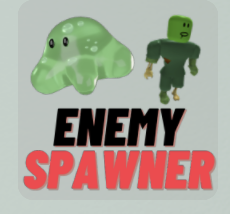
Adding Enemy Spawners
- Click the props icon to open the props menu
- Click the NPCs button
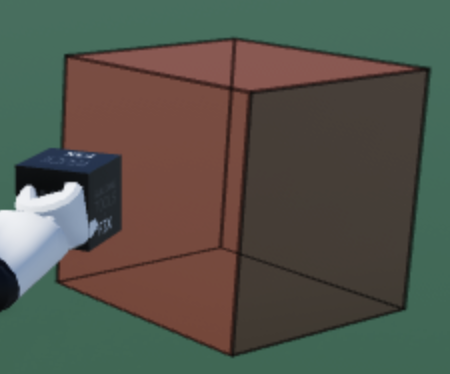
- Click Enemy Spawner then click Place
- A red cube spawns — this is the enemy spawner (enemies only appear during play mode)
Editing Enemy Attributes
- Open build tools
- Click the Code Editor tool (code builder)
- Select the enemy spawner you want to edit
- You can change:
- SpawnerType — the type of enemy
- Damage — how much damage enemies deal
- SpawnerHealth — how much health enemies have
- Speed — how fast enemies move
- Remember to click Save after making changes
How Survival Works
- Players must protect the orb from enemy spawners by attacking the enemies
- Enemies spawn from the red cubes you place
- The game ends when the orb is destroyed or all enemies are defeated
Tips for Coaches
- Encourage students to place multiple enemy spawners at different locations
- Suggest experimenting with different enemy speeds and damage values
- Remind students to playtest their own game first before the class playtest
Need More Slots?
Press the lock icon in the game menu, then Buy. Each slot costs 100 coins earned in-game.