On this page: Create a parent account, link it to your child's, and set a PIN. ~5 min.
Step 1: Create a Parent Account
- Go to roblox.com/signup
- Use your real birthday — this unlocks parental control features
- Choose a username and password
- Verify your age using a government-issued ID or credit card (you must be 18+)
Have your ID ready. Roblox requires age verification to grant parent privileges. This is a one-time step — it ensures only verified adults can manage a child's account.
Step 2: Link to Your Child's Account
- Log into your parent account → Settings → Parental Controls
- Select Add Child and follow the prompts
- Your child approves the link request from their account
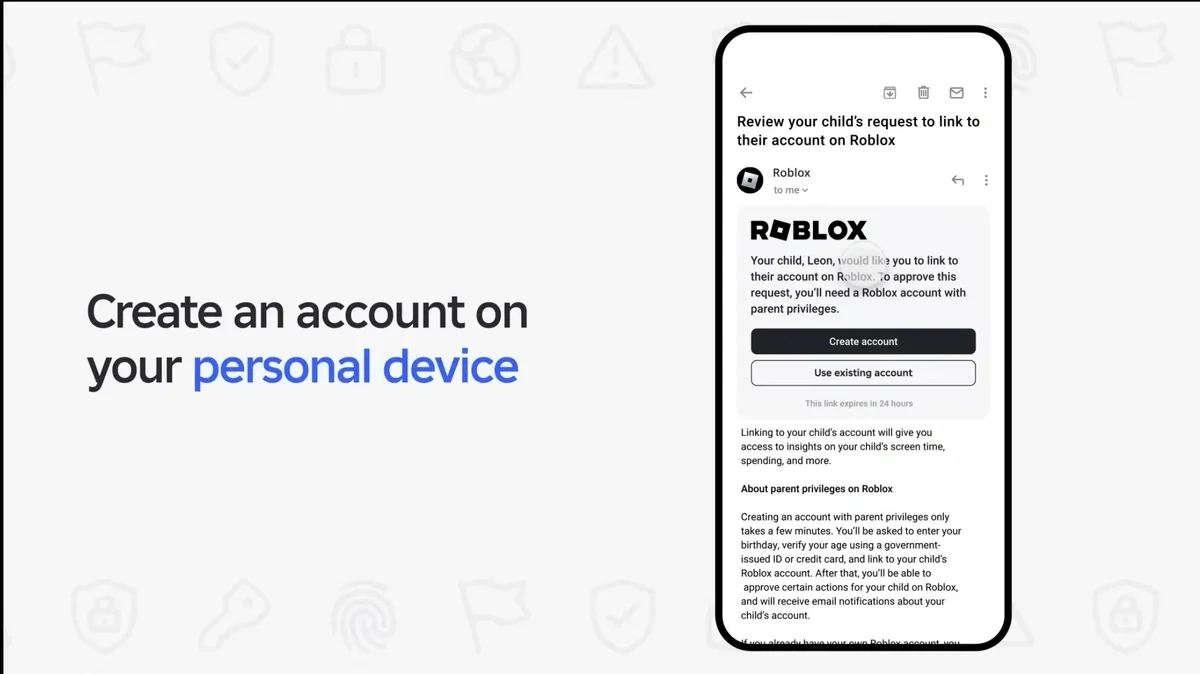
Let your child help here. They know where the settings are. Having them approve the request shows this is collaborative, not surveillance.
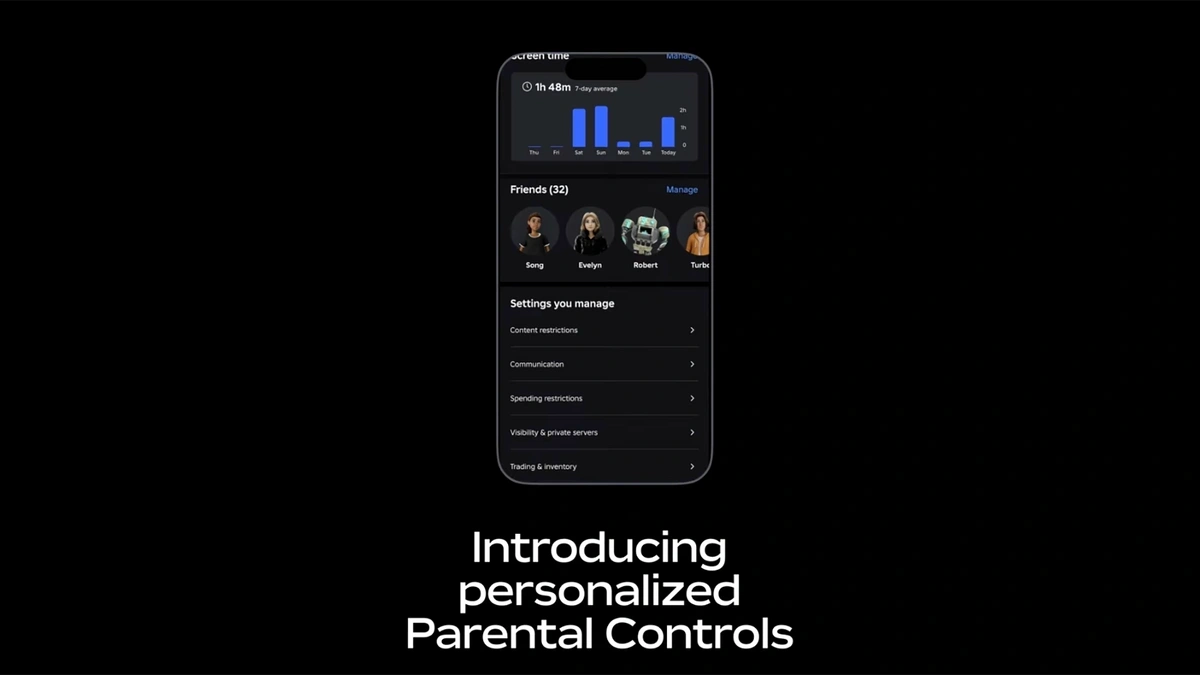
Once linked, you can: view and change privacy settings, set content restrictions, control chat, set spending limits, and see their friends list.
Step 3: Set a Parental PIN
- In Parental Controls → PIN section
- Create a 4-digit PIN and confirm it
The PIN means only YOU can change these settings. Your child can't undo them, even accidentally. Don't use their birthday or 1234.
Who should know it? Only you — or another trusted parent/guardian. Never your child.
Talk Together
Ask your child: "Can you show me around your Roblox profile? What's your avatar wearing?"
Ask your child: "Who are your best friends on Roblox? How did you meet them?"
Troubleshooting
- Can't find Parental Controls? Make sure you're logged into your parent account (not your child's)
- Link request not showing? May take a few minutes. Check notifications on your child's account
- Link keeps failing? Both accounts need verified email addresses
Roblox: Link Your Child's Account · Parental Controls Overview · Parental Controls FAQ · Verified Apr 2026